Free Virtual Staging — 5 Free Credits
Add listing photos for a staging proof
Choose photos first. New accounts get 5 free credits. No card required.
Click, press Enter, or drop files here to open the photo picker
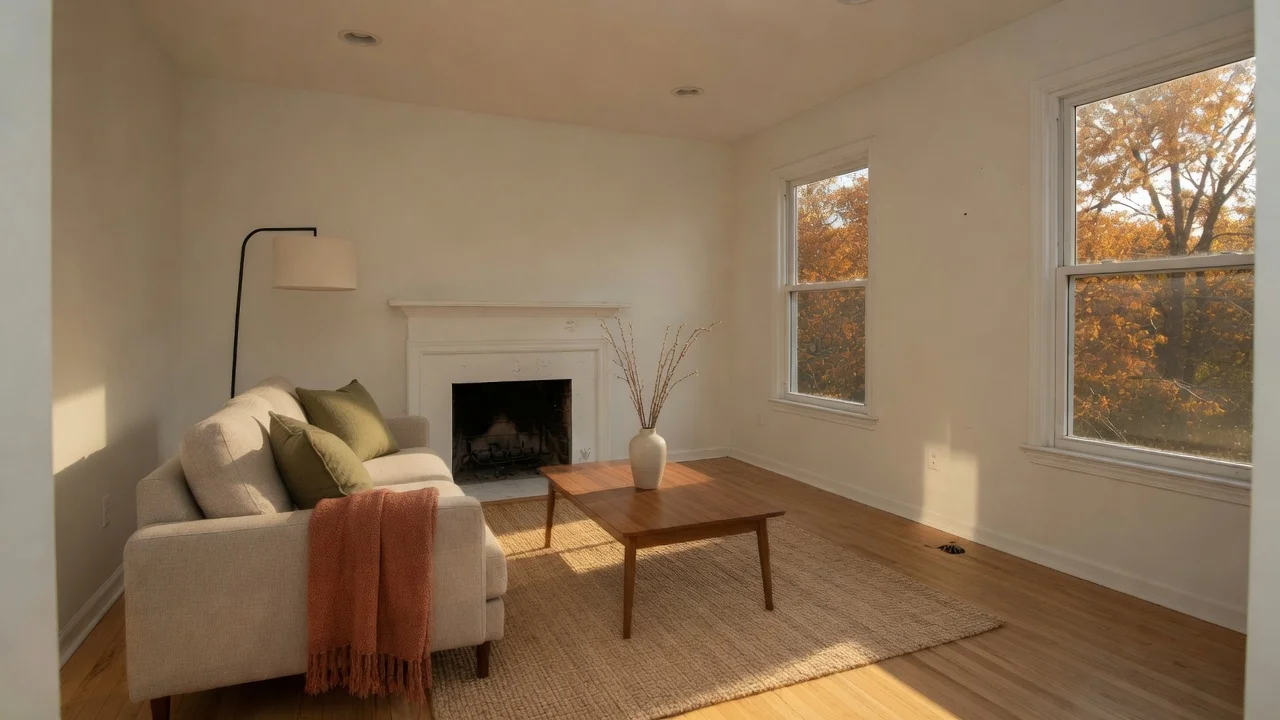
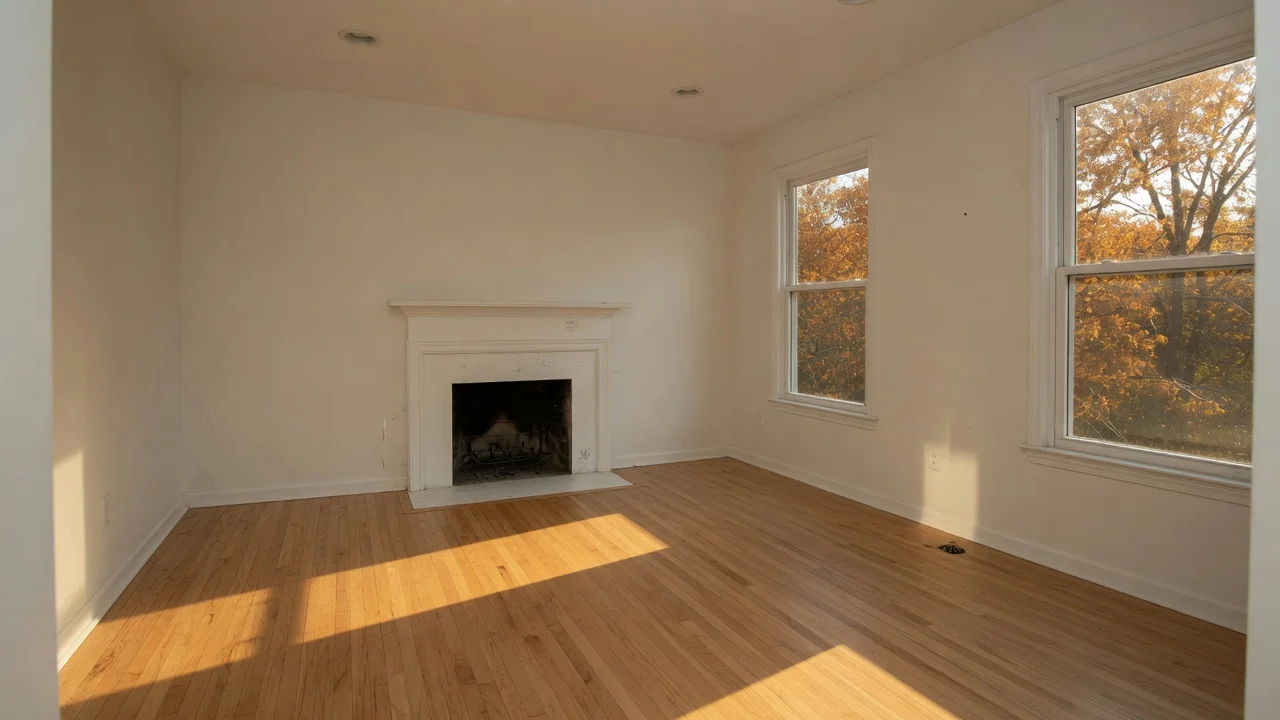
Best fit
You want to test one room first
Use the free credits on a living room, bedroom, kitchen, or bathroom photo before deciding whether the output is worth exporting.
You need a reviewable proof
A free proof is for checking scale, furniture direction, fixed features, and disclosure fit. It is not a substitute for publication review.
You want clear upgrade timing
Upgrade only when a proof is accurate enough to export as a clean Standard or HD image.
Free proof workflow
Choose one useful room
Start with a room that matters for the listing story, usually a living room, bedroom, kitchen, bathroom, or dining area.
Upload a clean source photo
Use a landscape photo with good light and visible floor area. Keep doors, windows, floors, counters, and built-ins easy to inspect.
Create a proof
Pick a style direction and generate a watermarked proof so you can check whether the room still matches the source photo.
Export after review
Move to Standard or HD only after the staged result preserves fixed features, avoids misleading edits, and fits your disclosure workflow.
What free credits are for
Free credits are best used for proofing one or two rooms, checking whether the style and source photo are a good fit, and learning the review workflow before buying more credits.
What to check before using the result
Compare the staged proof with the original photo. Doors, windows, built-ins, flooring, fixture locations, visible damage, and outside views should still be accurate.
Common mistake to avoid
Do not publish a proof just because it looks polished. A staged image still needs review, a saved original, and clear virtual-staging disclosure.
Next step
Open VirtualStagingAI, sign in, use the free credits on one room, and only export the image if it passes your original-to-staged check.
Quick answers
Can I use VirtualStagingAI for virtual home staging free?
Yes. New accounts receive 5 free credits, enough to create Preview outputs before buying a plan or credit pack.
What should I prepare first?
Prepare a clear room photo. Landscape orientation, good light, and visible floor area make the staged proof easier to review.
How do I know the result is usable?
It should preserve fixed features, keep scale believable, avoid hiding defects, and be easy to label as virtually staged.
What if this page is close but not exact?
Use the related pages below for software comparison, pricing, and real-estate-specific staging workflows.
Is this a final professional recommendation?
No. Treat each generated image as a proof. Follow your MLS, brokerage, portal, or platform requirements before publishing.